How do I set my default data template properties (colors, automatic ranges, line width, etc.)?
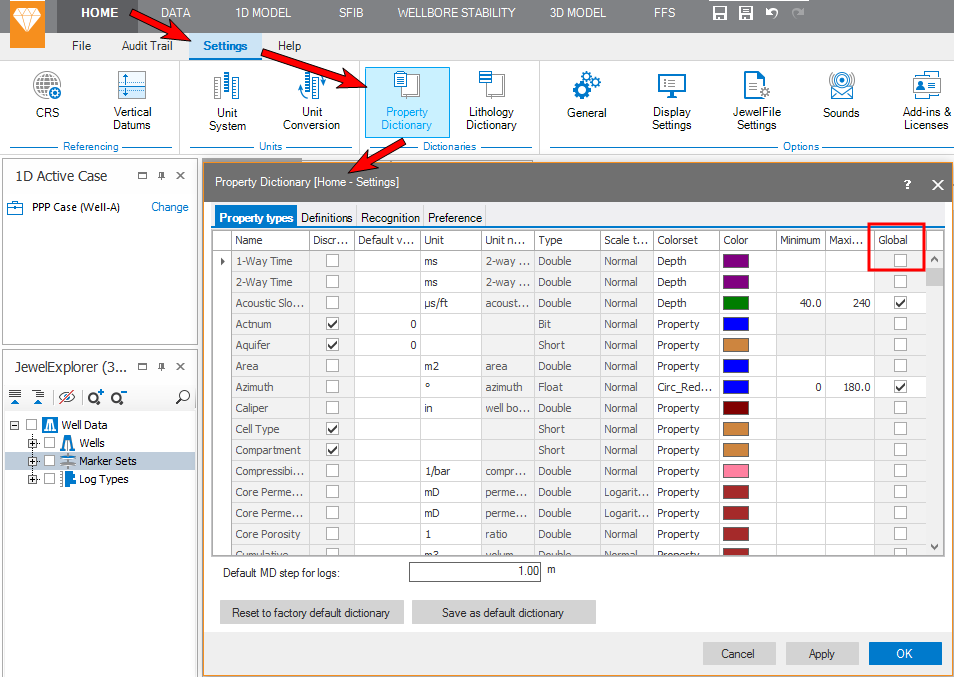
Go to HOME > Settings > Dictionaries > Property Dictionary. Here you can define for each data template (property template) the units, colors, and property ranges.
To apply a certain property range to all log tracks in the various views, check the Global check box.
click to enlarge